
- Address
- 4th Floor, Unit 76, LafiestA, 177 Jeungsanyeok-ro, Yangsan-si, Gyeongsangnam-do
- info@mrbcare.com
MRB Corporation
Management
Platform



Back-office
- Dashboard
- 1. View key metrics such as members, companies,
active Shorts, and today’s sign ups at a glance. - 2. Monitor recent system and user activities in real time.
- 3. Quickly access shop, reservation, order, delivery, advertising, coupon, point, settlement, content, and community management.
- 4. Manage overall platform operations efficiently
from one screen.
- Ad Request Management
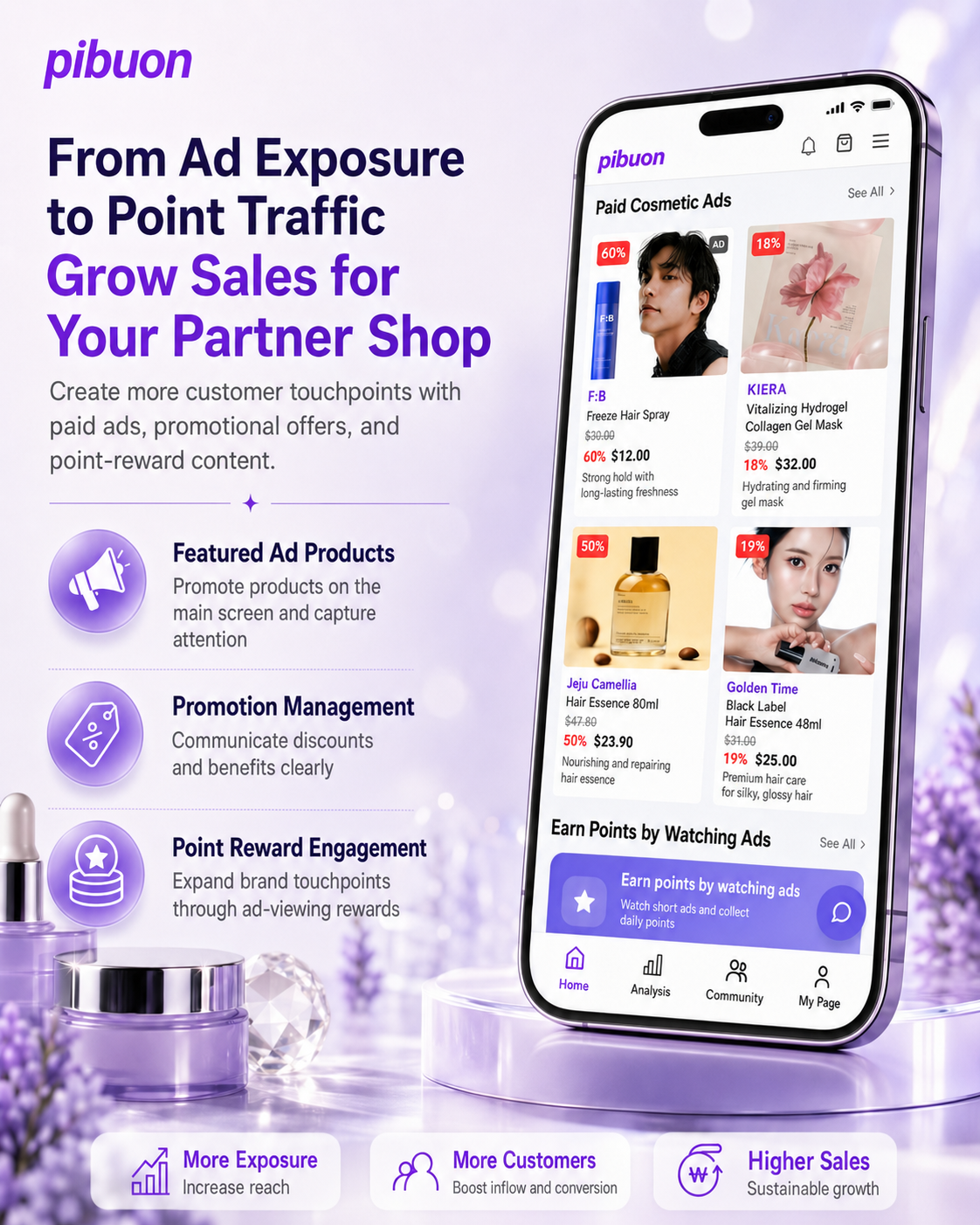
- 1. Manage event and product ad requests and
their status in one place. - 2. View all, under review, active, and completed
requests at a glance. - 3. Search and filter ad requests by status
for efficient management. - 4. Submit new ads and manage the entire process
from request to completion.
- Banner Management
- 1. Add, edit, and delete banners displayed on the main page.
- 2. Manage banners, events, notices, pop-ups,
and Shorts by type. - 3. Easily manage banner display order and status.
- 4. Add new banners to display promotions and notices instantly.
- Shorts Management
- 1. Add, view, edit, and delete short
form videos registered on the platform. - 2. Check each Short’s status, views,
and registration date at a glance. - 3. Easily update or remove content using
the edit and delete functions. - 4. Add new Shorts to provide users
with a variety of video content.
- Add Ad Product
- 1. Enter product details such as name, brand,
category, and price. - 2. Upload main and detail images or add them via URL.
- 3. Add product descriptions and sales information.
- 4. Register the paid ad product or cancel the process.
- Event/Promotion Management
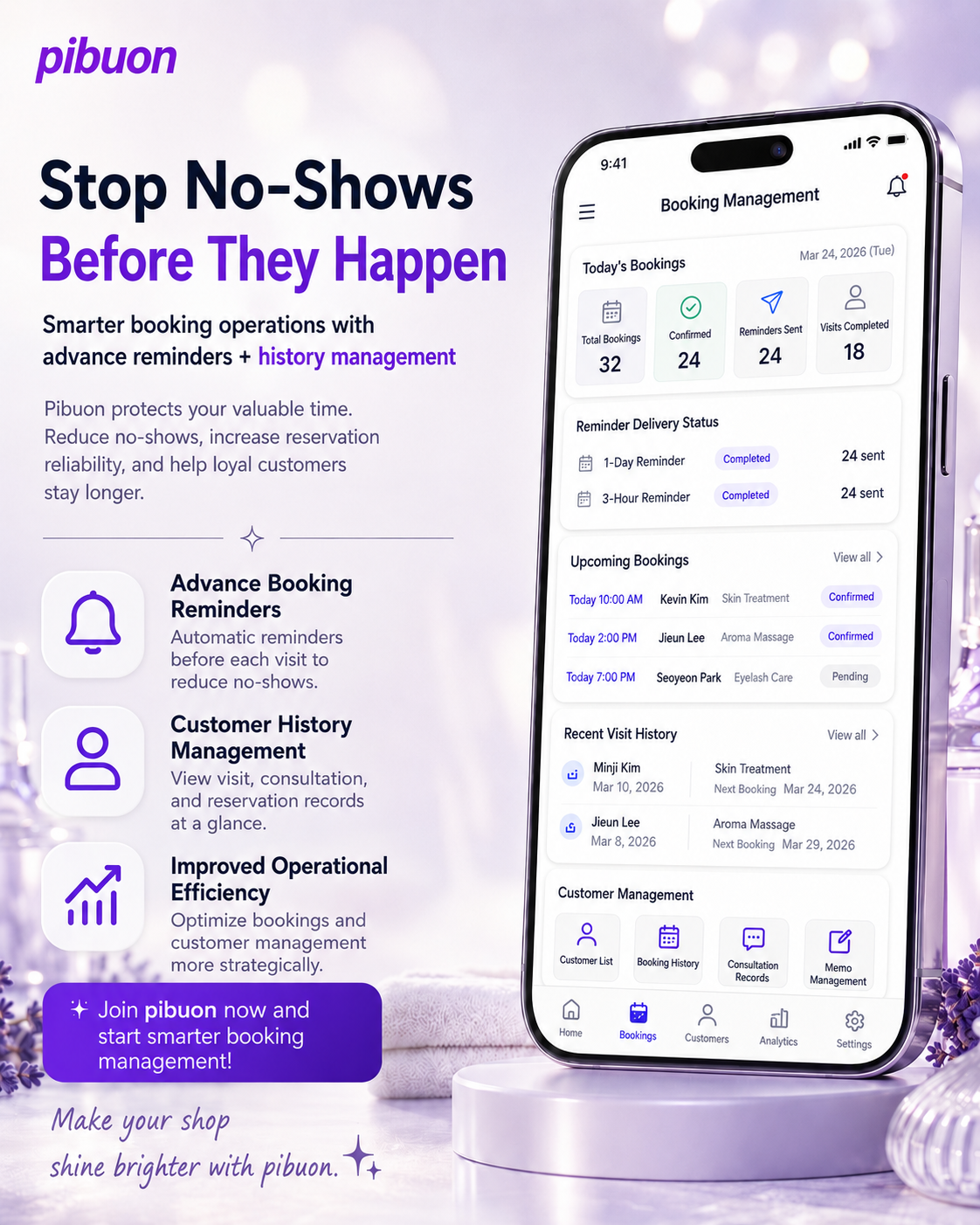
- 1. Add, edit, and delete ongoing events and promotions.
- 2. View and manage all registered promotions at a glance.
- 3. Easily create new events for various marketing campaigns.
- 4. Increase member engagement, service activity,
and sales through effective event management.
- Shop Management
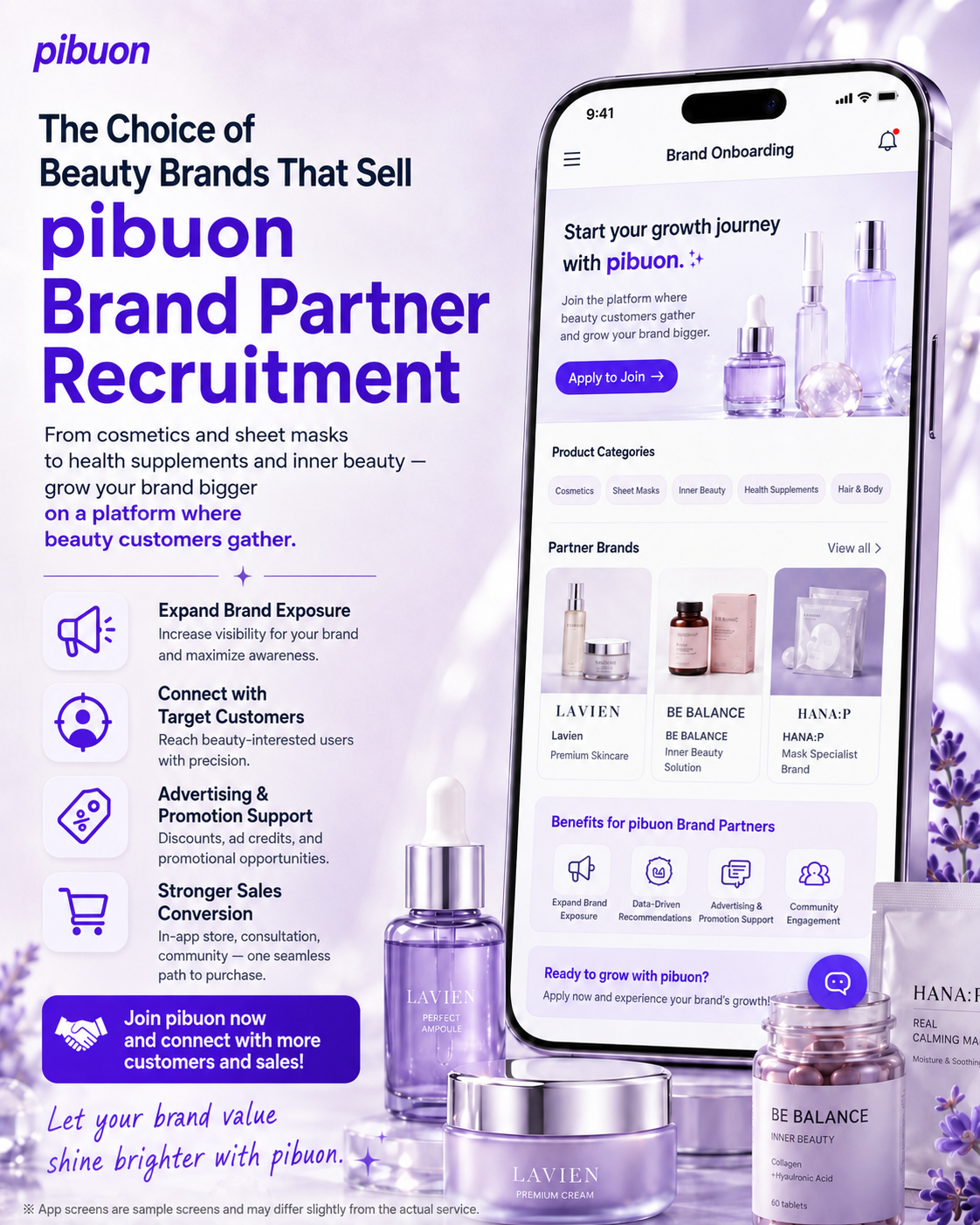
- 1. View, add, and manage shops registered on the platform.
- 2. Quickly search by shop name, phone number, or status.
- 3. Check and update shop addresses, registration dates,
and operating status. - 4. Add new partner shops to expand the platform network.
- Shop Product Management
- 1. Add, view, edit, and delete products recommended
by skin analysis results. - 2. Manage product details, including category, price,
stock, skin type, date, and status. - 3. Quickly search products by name or description.
- 4. Add new products tailored to different skin types.
- Add Shop Product
- 1. Enter product details such as name,
category, price, stock, and shipping fee. - 2. Add short and detailed descriptions and a thumbnail image.
- 3. Upload a main image or add it via URL.
- 4. Register products for skin type
recommendations and shop sales.
- Program Management
- 1. Add and manage shop treatments and programs.
- 2. Set prices and durations for reservations and operations.
- 3. Add, edit, or delete various treatment programs.
- 4. Provide customers with accurate program
and booking information.
- Notification & Message Management
- 1. Send push notifications and manage
delivery history and devices. - 2. Send notifications to all users, individuals, or groups.
- 3. Preview notification titles and messages on Android and iOS.
- 4. Send notifications immediately or schedule them for later.
- Order Management
- 1. View all, pending, and shipping orders, along
with sales status. - 2. Search orders by date, status, order number,
or customer name. - 3. Check order details, including customers,
products, payments, status, and date. - 4. Manage orders, deliveries, and sales efficiently in real time.